

Currently I’m working on what is certainly the physically biggest project that I’ve ever done for a client, and one of, if not the, most complicated assemblies that I’ve done using Autodesk Fusion.1 I plan to talk about this device a bit more in an upcoming post. However, as I’m now in the build process, I’d like to talk about something that may seem mundane, though is quite important: revisioning.

If you’re into offbeat engineering, real-world builds, and practical tech thinking, subscribe 👇
OK, you’re still here. Thanks for your faith in my ability to make this somewhat interesting and/or educational. Yes, revisioning a part/drawing is basically the process of adding a note on the document to indicate that you made a change, and typically putting some sort of mark on the part itself to show what revision (i.e. rev) it is.
This procedure is quite important in the real, industrial world, since you don’t want to figure something out, make an improvement, then forget about it later as you have the wrong part made. Even worse (for someone else), you might have moved on to another job, and improper/no revisioning would then create problems for others that they will have an even harder time solving.2
That said, this process is certainly not as common in the 3D-printed maker/single employee company world, where you don’t have to coordinate within a large organization over years or potentially even decades. But maybe it should be.
Engineering Drawing Revisions
In the world of formal engineering drawings, there is typically a column where you list the revision number, what you changed, and space to put your name or initials beside it. And the parts themselves get stamped/lasered/marked somehow with the revision, date, and your initials for posterity. I suspect there are still many pieces of tooling floating around — maybe even being made today — with “JSC” emblazoned on them, making JSC either famous or infamous in a section northwestern South Carolina.
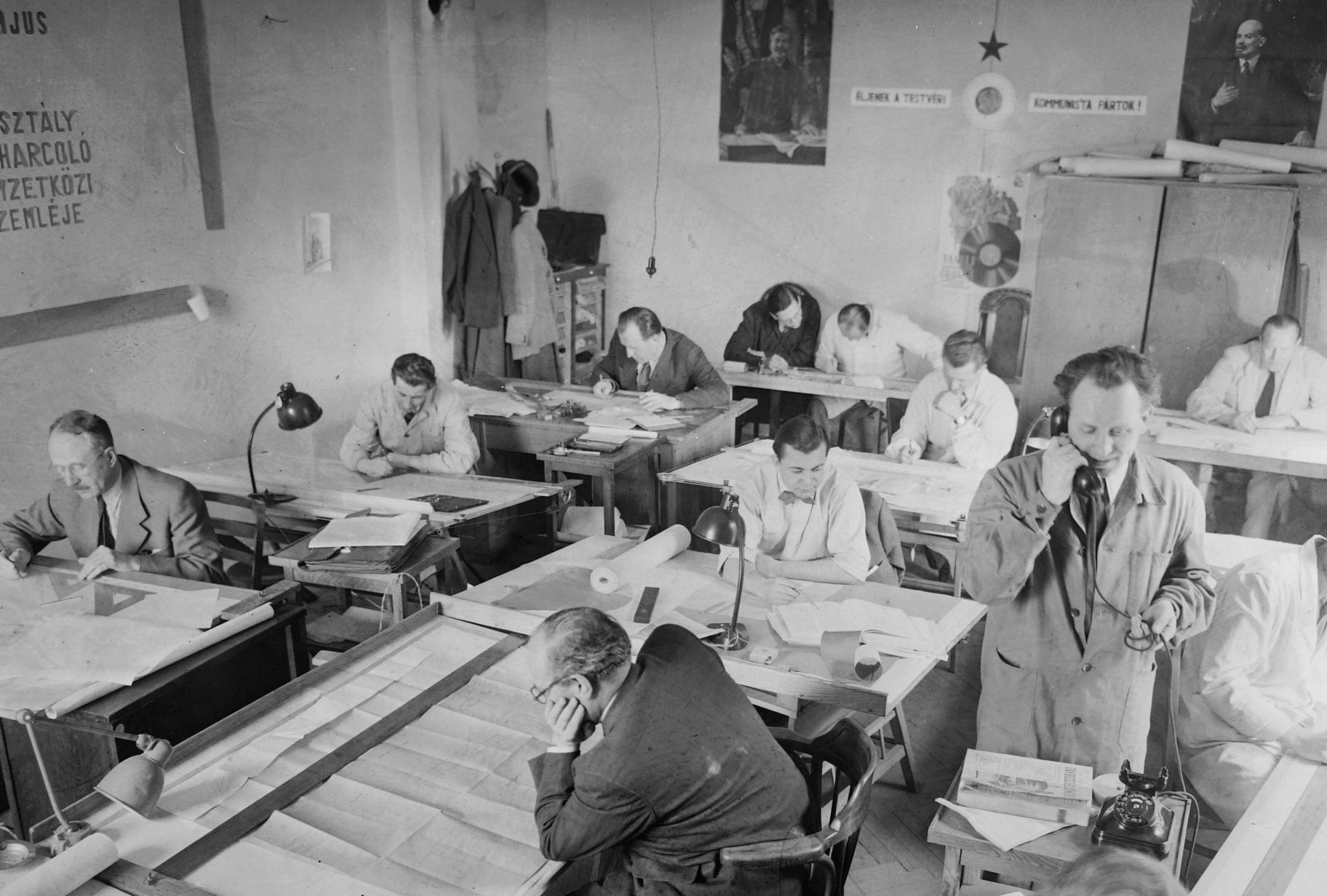

Some entities use more formalized engineering change management systems… others just put up posters of who you might displease if you get the drawings out of order. Neither was a part of the infamous JSC’s experience.
3D-Printed Auto-Revisioning
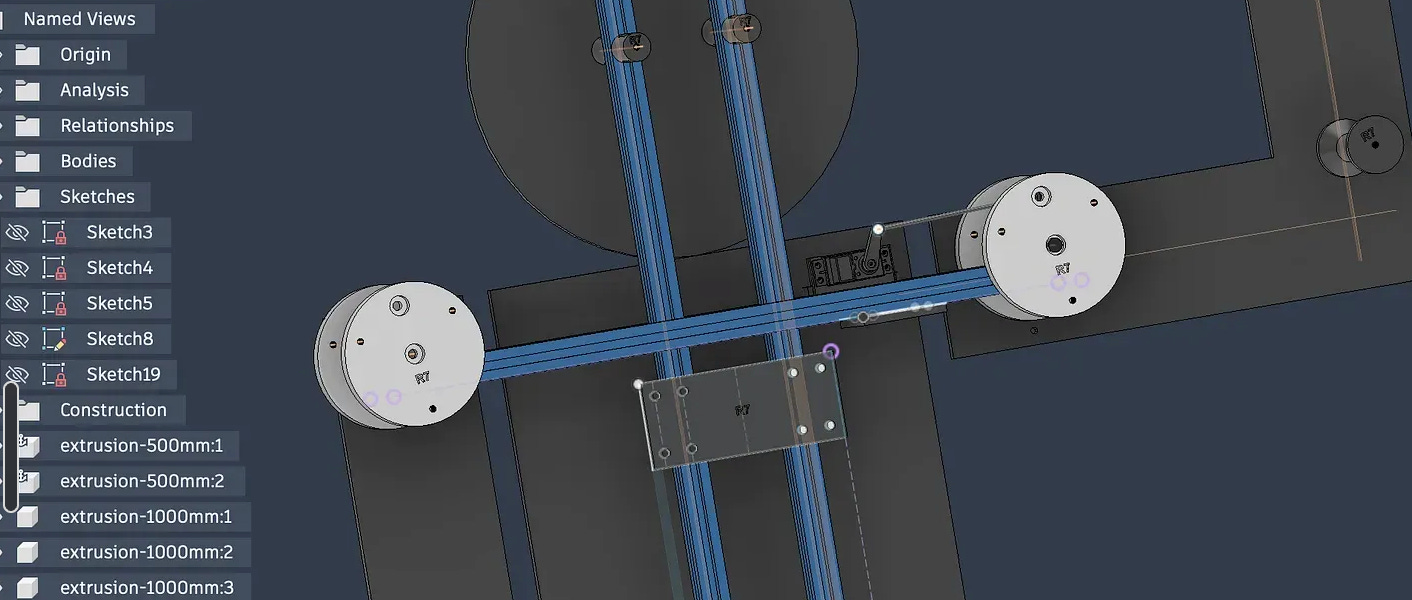
Now — years later — I find myself designing and iterating the large device that I’m working on while much of it is literally being constructed on my 3D printer. The client gave me a rather tight timeline to get it done, so the build must push ahead. In addition to custom 3D-printed parts, the inside frame of of the device is made out of 20 x 20 mm aluminum extrusion, and the outside will be made out of foam board when I get it back from the printer — inspired by a certain Las Vegas attraction seen at the end of this post.
There are a variety of 3D-printed parts at play here, which could eventually get confusing, and first iteration (rev 0) might not work with whatever I come up with later. I could revise each part individually (the conventional solution), but here I’m instead creating a new overall revision of the design each time I physically print something.
So while a never-before-made part would stay at the same rev as the part before, If I modify something and print it out, the overall assembly is revised, and any new parts printed assembly-wide will bear this new rev number. Since I’m not working off of an assembly drawing, this overall rev technique at least lets me know if something might be out of date if it doesn’t fit quite right.
If that sounds a little questionable, in a more formalized setting I would probably agree. BUT, if it sounds like a pain to update everything, you are incorrect. The CAD package I’m using, Autodesk Fusion, has a parameter system that allows every part to be updated at the same time. So if you have things set up correctly, you make a change, update the revision once, and it updates all of your parts. Pretty neat.
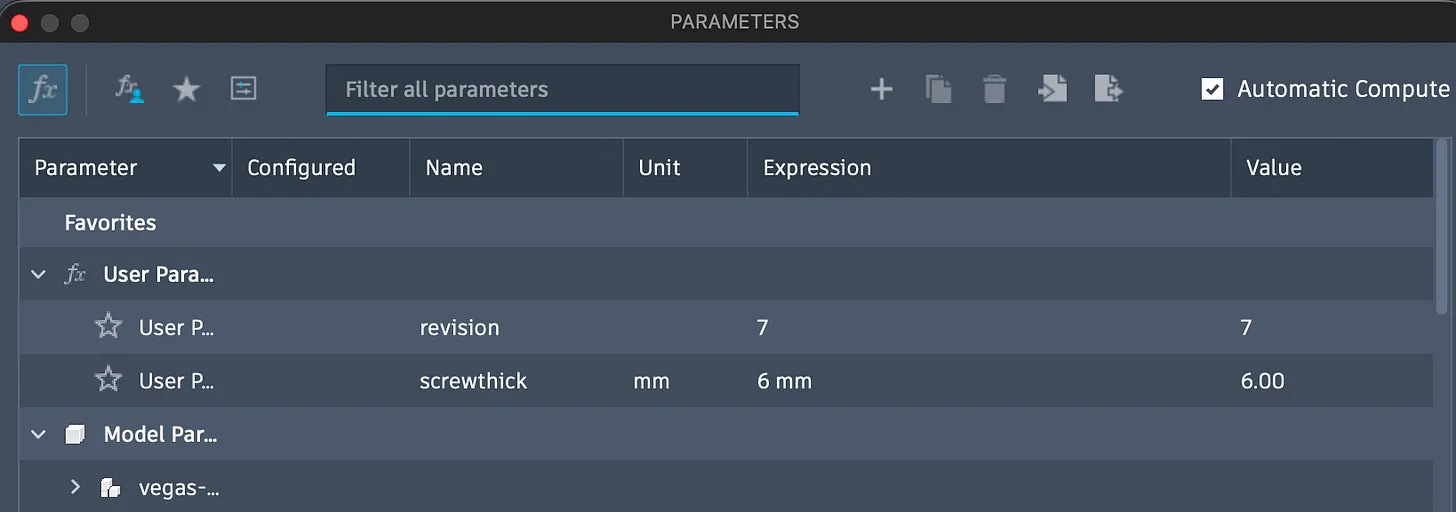
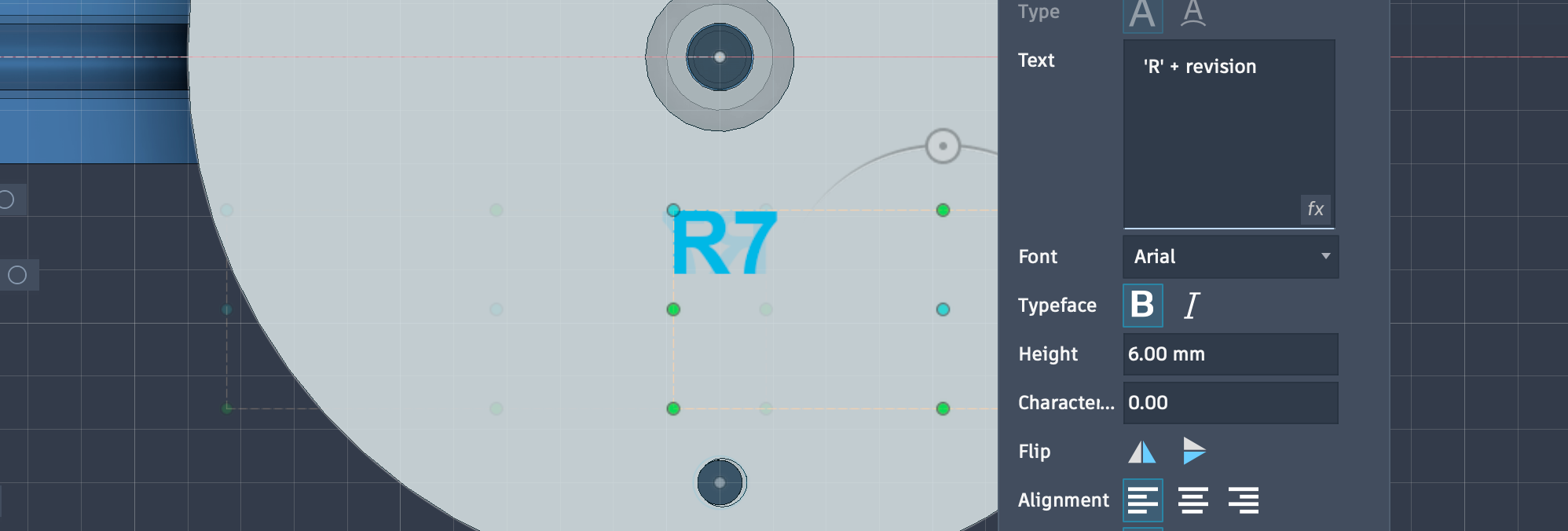
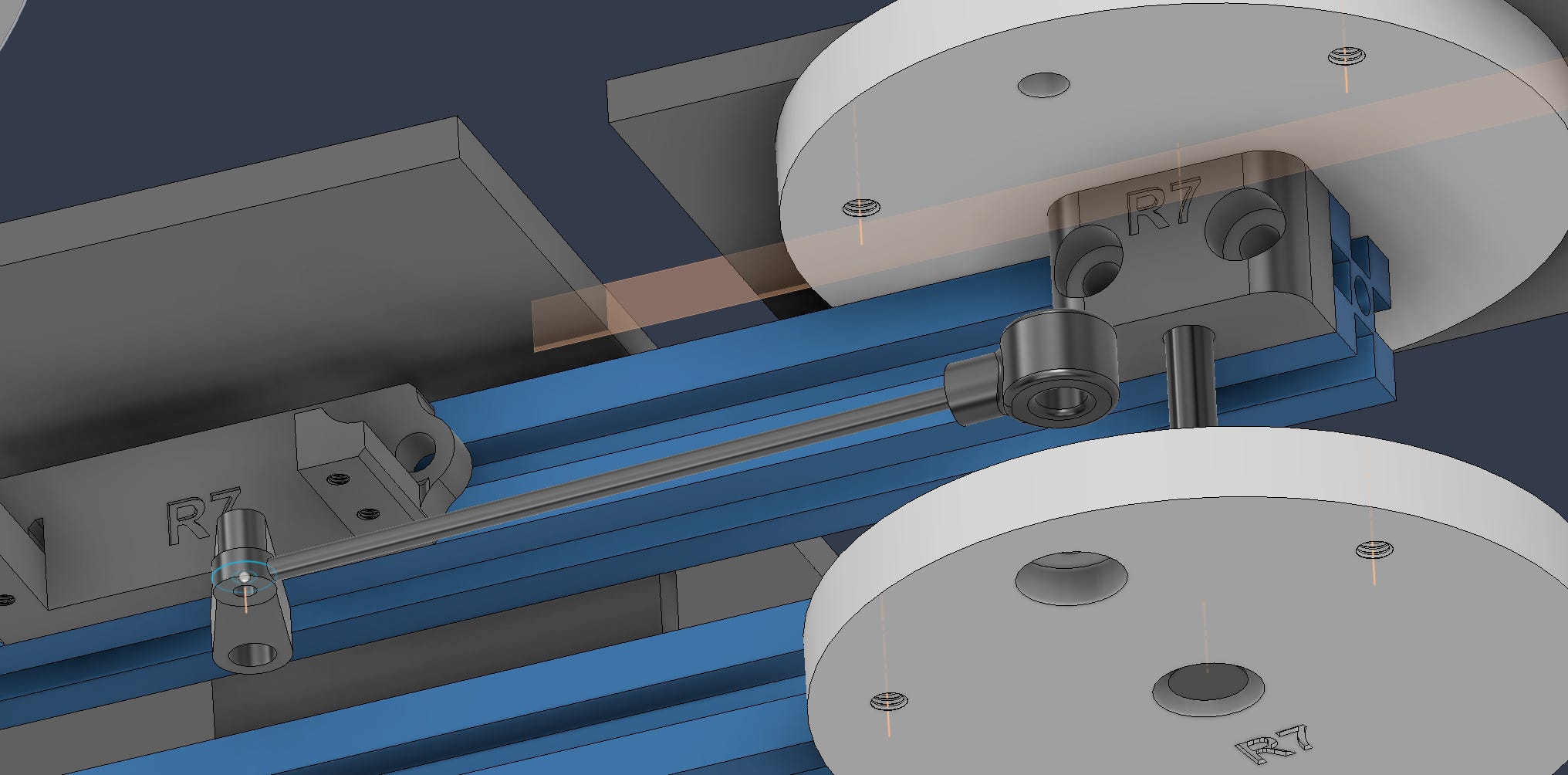
Fusion does a good job here, but I didn’t mean for it to be the of this article per se.3 They introduced the parametric text feature in 2025, and the same type of functionality is available in other packages according to ChatGPT and my general suspicion. So if you have a bunch of parts to rev, or other notes to update, see if your CAD package supports parametric text.
Fusion, and certainly many other packages, also supports using modeling parameters for dimensional features. So if you, say, have a thickness that will be common to a bunch of parts, just set up a parameter for it. This is helpful in the design phase, and useful to avoid revision inconsistencies… where you forgot to update just that one part.
In this project, I used this feature to keep a consistent screw spacing for parts that attach to the extrusion via screws. I don’t think I’ll need to update this, but it would be trivial to do so after the fact.
A Little Software Learning, a Lot of Improvement
Beyond CAD, if you’re using a complicated software tool, keep your eyes out for features that you don’t (yet) use but that could be helpful to your process. Sure, you might not care about update X, Y, or Z 90% of the time, but sometimes few minutes of discovery and learning can save you significant time and/or headache later!
As for the project itself, well check back later, but below is a little hint! Also, don’t smoke. -JC


Techadjacent is where I share engineering ideas, builds, and practical tech analysis. Subscribe to get the next post in your inbox — published ~weekly👇
Thanks for reading! I hope you follow along on this Techadjacent journey. Fair warning: I can and do get a little off-topic in the footnotes. Get in touch: hi@jeremyscook.com, leave a comment, or just reply if you’re reading this as an email!
Note: Some links may be affiliate
Addendum/Footnotes:
I’ve done arguably more complicated machines when I was working in manufacturing, but there I was typically using ProE, a different CAD package that I don’t think I can afford for my own use. Whether or not it’s better probably depends on your particular scenario.
Or maybe you left on bad terms, and would prefer the next generation of engineers there to suffer. But you don’t really want them to suffer. They were just like you, even if the work and/or boss situation may or may not have been good.
I’ve never sabotaged a drawing or failed to revision something out of spite. On an unrelated note, however, if you zoom in on a dot or two on certain AutoCAD drawings at any of my previous employers and see nonsensical cartoon characters at a microscopic scale… that was probably someone else.
Autodesk may have indirectly paid me for at least part of the overall project that I reference. I say may — not like mayyy, wink, wink — because I was honestly not sure when I originally wrote that, and am only mostly sure now. Another company is hopefully (and contractually) signing my proverbial check here. Things sometimes get convoluted in my line of work.
Regardless, they neither requested this article, nor are they paying for it. I’d put the chances of someone at Autodesk reading this at possible, but would give it less than even odds. That said, I’m definitely open to more sponsors!